
Clear, practical articles that help you protect files, choose the right backup method and recover with confidence.

How to Back Up Data in Windows
Compare the easiest Windows backup methods—from an external-drive copy and OneDrive to File History, system images and dedicated backup software—and build a plan that fits your data.
Read the guide
Best Backup Software for Windows in 2026
Compare six leading Windows backup tools by file and image protection, restore options, destinations, licensing and real feature limits.
Read the comparison
How to Backup Windows 11 with a Full System Image
Protect the whole Windows system drive—not just files. Compare Windows' built-in image tool, wbAdmin and Perfect Backup Drive Image, then learn how full-system recovery works.
Read the guide
Incremental vs Differential vs Full Backup: Which Should You Use?
See exactly what each backup type copies, how restore chains differ, and which method makes the most sense for everyday files, limited storage and fast recovery.
Compare backup types
Backup vs Sync: What's the Difference, and Why Sync Isn't a Backup
Learn why synchronized files are not the same as independent backup, what happens after deletion or ransomware, and how to combine sync with real restore points.
Read the guide
3-2-1 Backup Rule: The Simple Strategy That Actually Protects Your Data
Turn the familiar 3-2-1 formula into a real Windows backup layout. See what counts as an independent copy, where NAS, cloud and RAID fit, and how to make the rule survive ransomware.
Read the guide
How to Protect Backups from Ransomware: A Practical Defense Plan for Windows
Keep ransomware from turning your backup into another casualty. Learn how offline copies, limited credentials, retention, NAS and cloud isolation, and clean restore tests work together.
Read the guide
How Often Should You Back Up Your Computer? A Practical Schedule for Windows
Turn “daily or weekly?” into a recovery target. Learn how RPO, change rate, retention and backup type determine the right schedule for files and system images.
Read the guide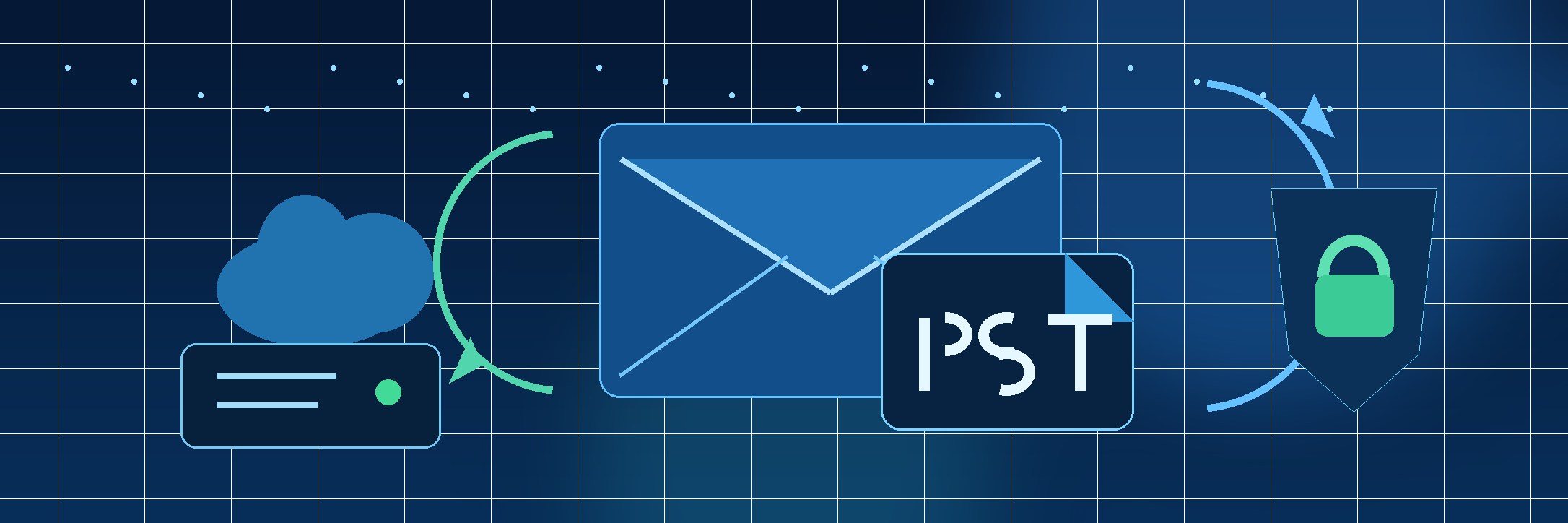
How to Back Up Outlook Emails: PST, Microsoft 365, and a Safer Backup Plan
Separate mailbox, OST cache, PST export and independent backup. Learn what actually survives a PC or account failure and how to build restore-tested Outlook protection.
Read the guide
How to Automatically Back Up Files to an External Hard Drive in Windows 11
Set up automatic external-drive backups with File History or dedicated backup software. Learn what Windows Backup does differently, how to keep versions, and how to avoid a schedule that quietly stops protecting you.
Read the guide
How to Back Up OneDrive to an External Hard Drive (and Why Sync Isn't Enough)
Turn OneDrive sync into a stronger recovery plan. Learn how to handle cloud-only files, create an independent external-drive copy, keep useful versions, and test recovery outside the Microsoft account.
Read the guide
How to Back Up Windows 11 to a NAS or Network Drive
Build a reliable Windows 11 backup to a NAS or SMB network share. Compare File History and scheduled jobs, handle credentials and SMB changes, keep useful versions, and test recovery.
Read the guide
How to Back Up Your PC Before Factory Resetting or Reinstalling Windows 11
Back up the files, cloud data, app settings, email, recovery keys and license details you will need before Reset this PC or a clean Windows 11 reinstall.
Read the guideWhat you will find here
How-to guides
Step-by-step instructions for backing up and restoring Windows data.
Backup comparisons
Plain-language comparisons of built-in tools, cloud services and backup software.
Backup strategy
Advice on schedules, storage destinations, versioning and the 3-2-1 rule.
More practical backup and recovery articles are coming soon.